
Read a little.Listen to the rest.
Bring your own EPUB, TXT and Markdown files. Pause reading anywhere, and the narration picks up right where you left off.
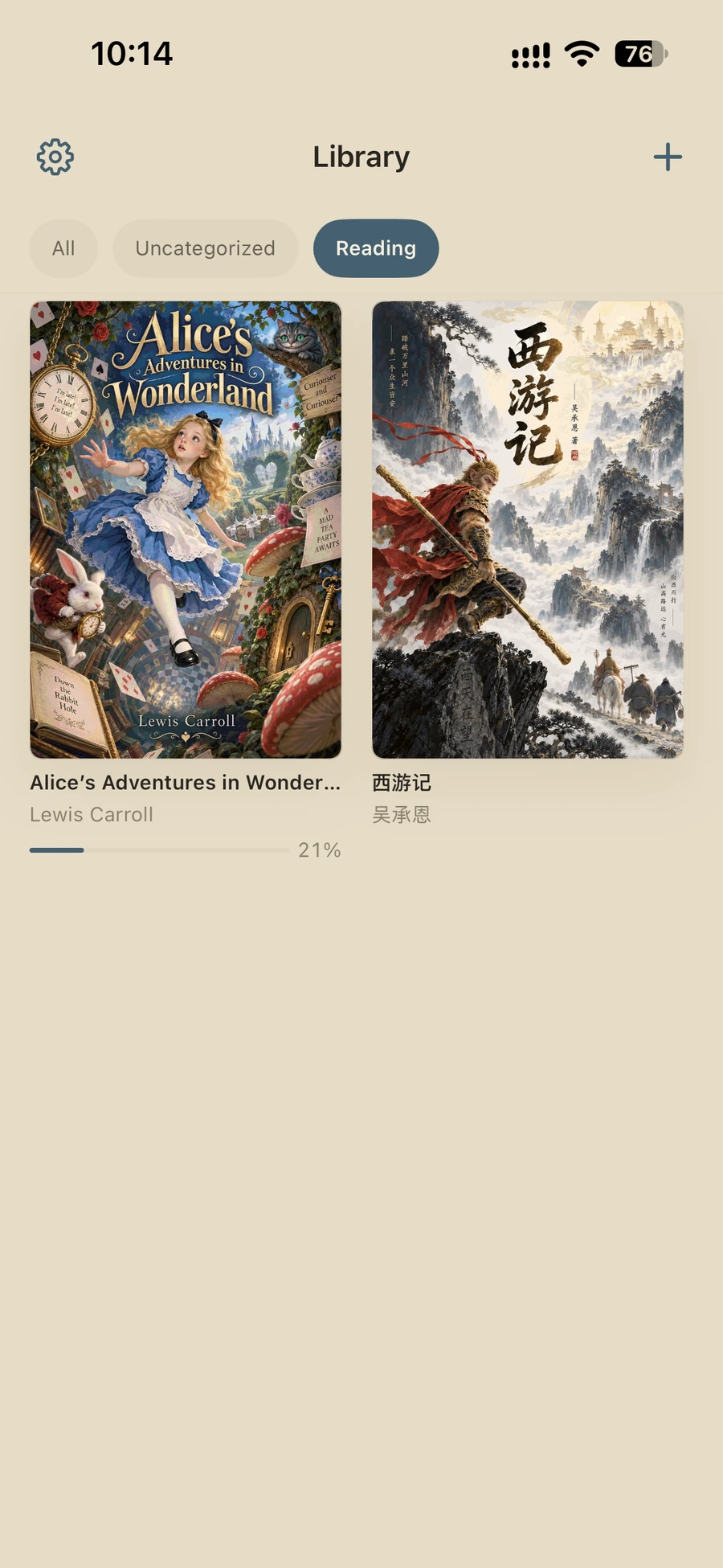
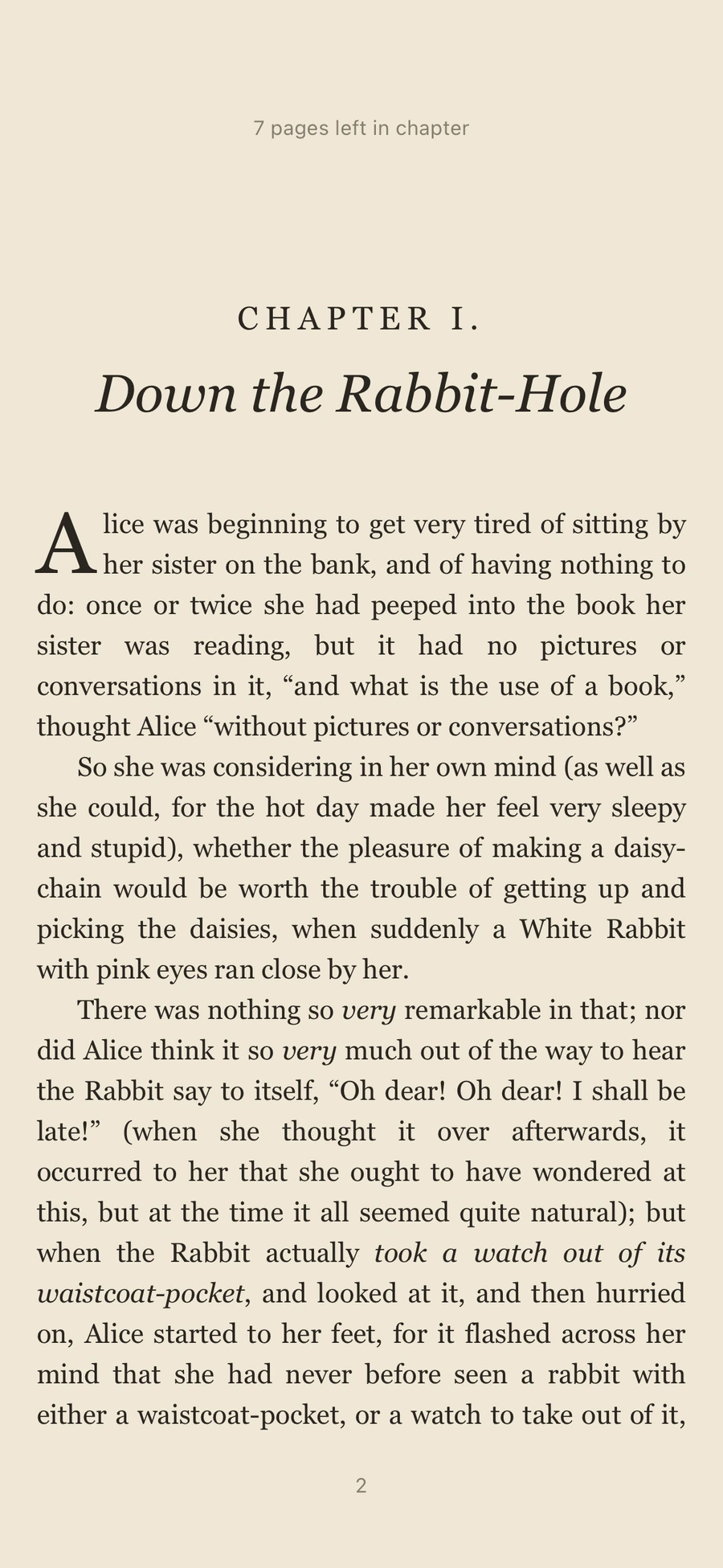
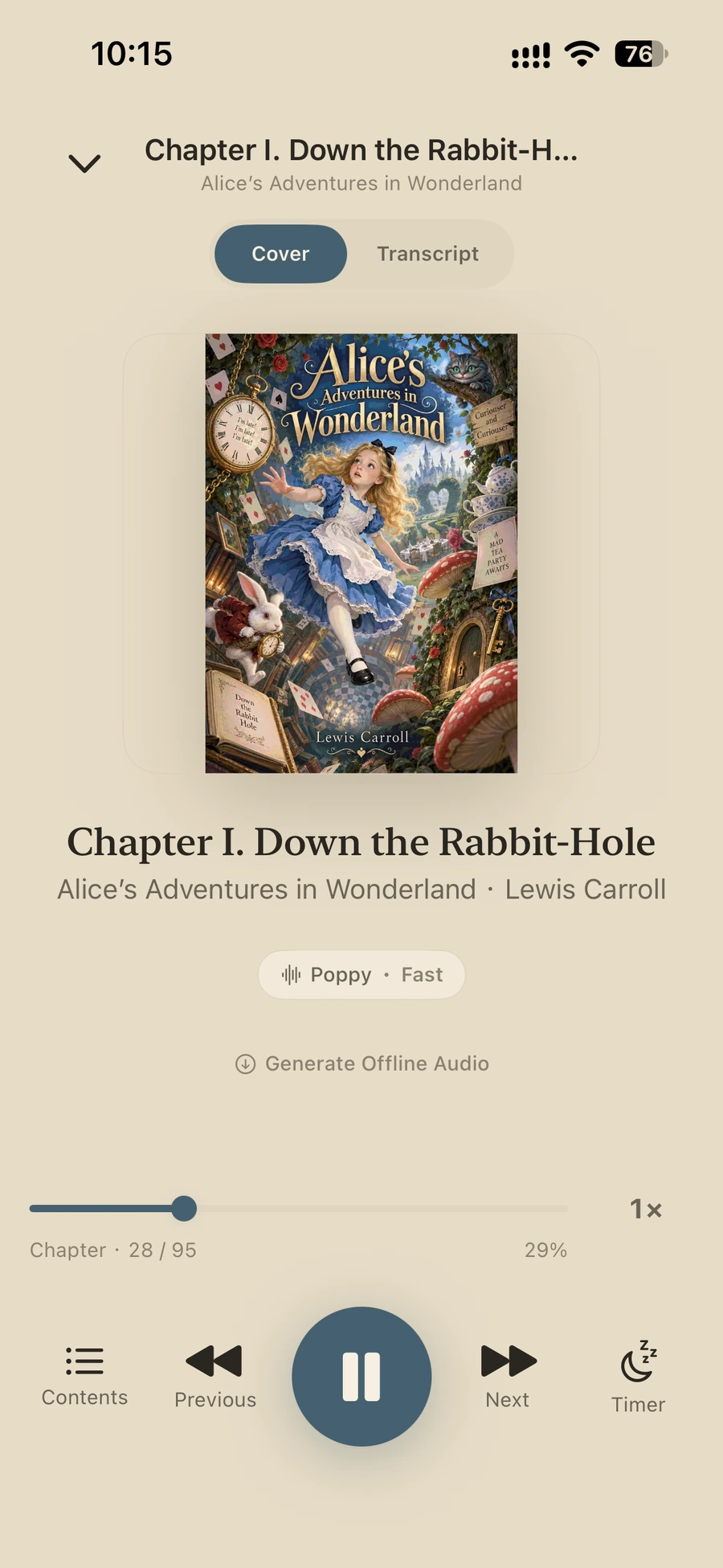
Feature demo
Your books, on the page or in your ears
Hear them before you choose
Six voices, two on-device engines. Both Fast and Premium voices require a voice pack download. Premium generation also requires supported hardware. Both are included with Pro.
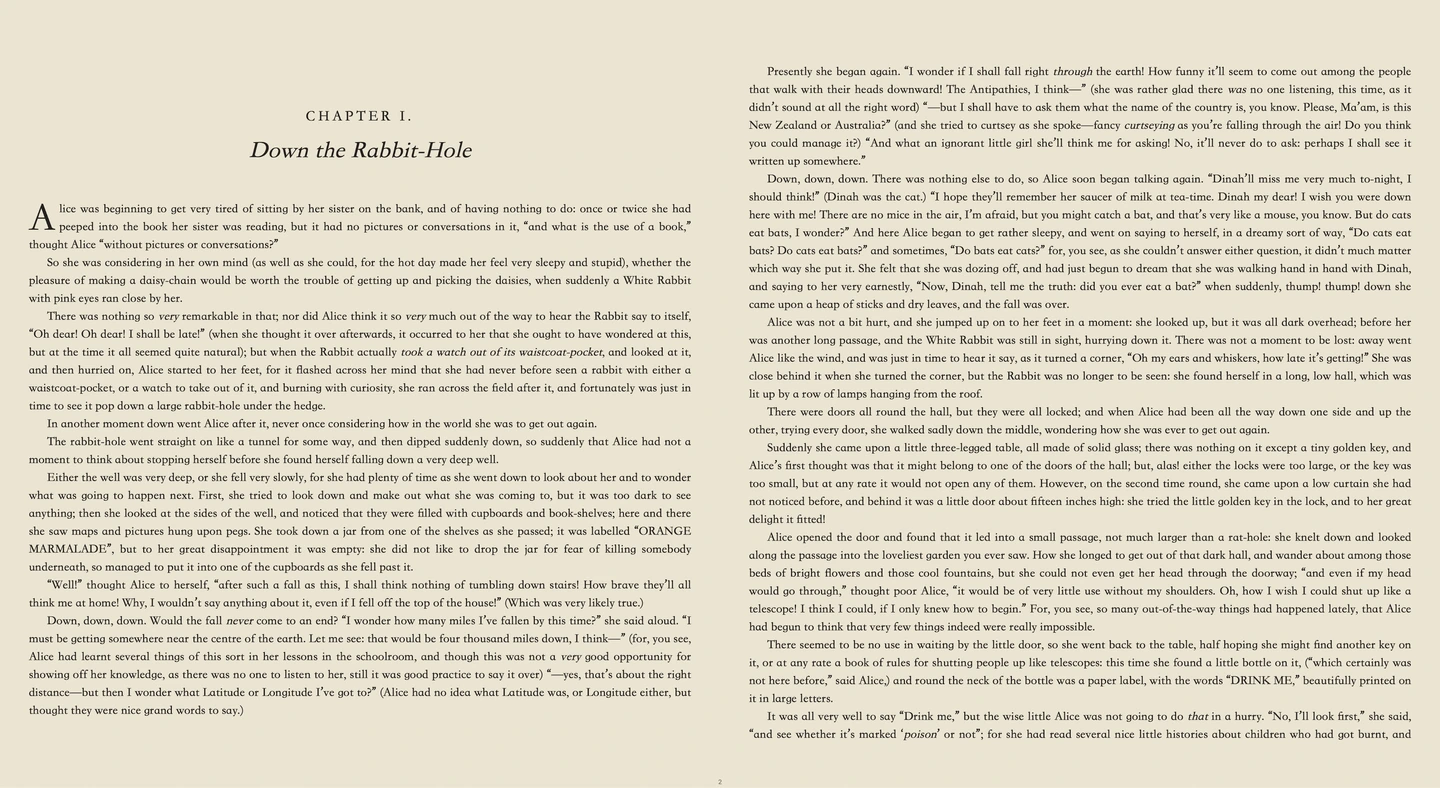
Alice was beginning to get very tired of sitting by her sister on the bank, and of having nothing to do: once or twice she had peeped into the book her sister was reading, but it had no pictures or conversations in it, “and what is the use of a book,” thought Alice “without pictures or conversations?”
iPhone, iPad and Mac, in sync
iPhone
Read on the go, listen with Apple system voices, or use Fast on-device voices with Pro.
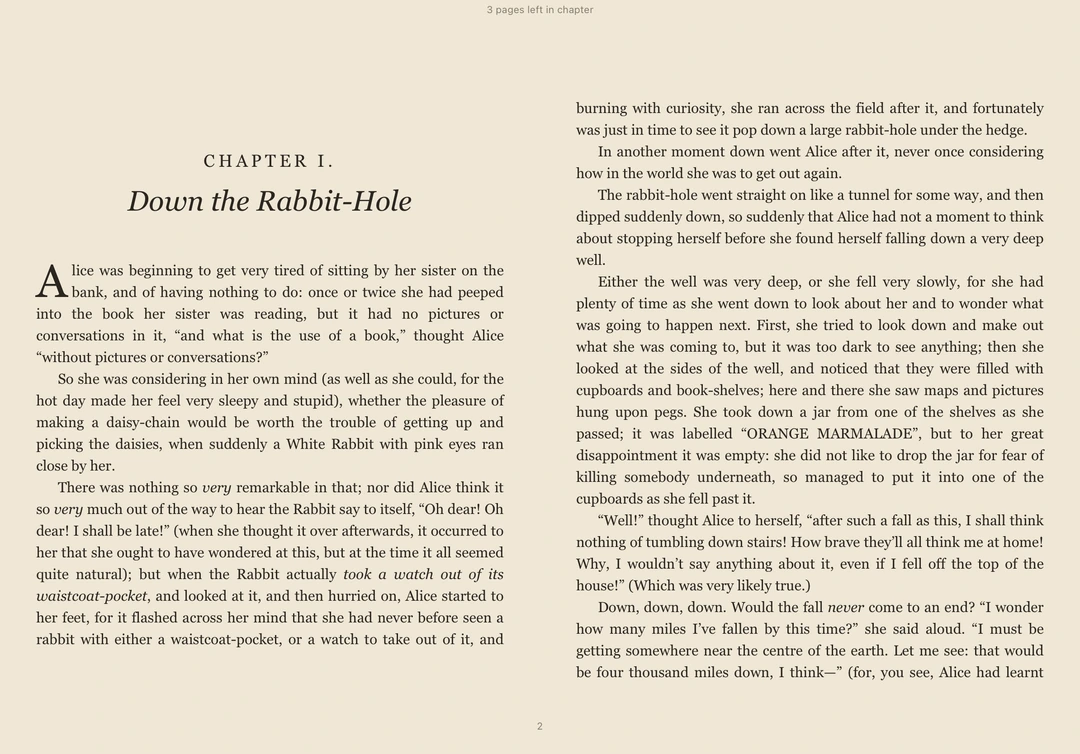
iPad
Two columns on the big screen. Capable models render premium audio too.
Apple silicon Mac
Runs as the iPad-compatible app, with the same interface. Supported hardware can generate whole chapters of premium audio ahead of time.
Sync requires the same Apple Account with iCloud enabled. Chapter audio is uploaded to your iCloud, then retrieved by your other devices. Premium rendering requires roughly 16 GB of memory or more; the app will let you know if your device is supported.
Make a Mac your workbench
Set one Mac as your workbench. While Halfleaf is open on it, any of your devices can send it an audio task, and the finished audio returns through iCloud for your other devices to download and play offline.
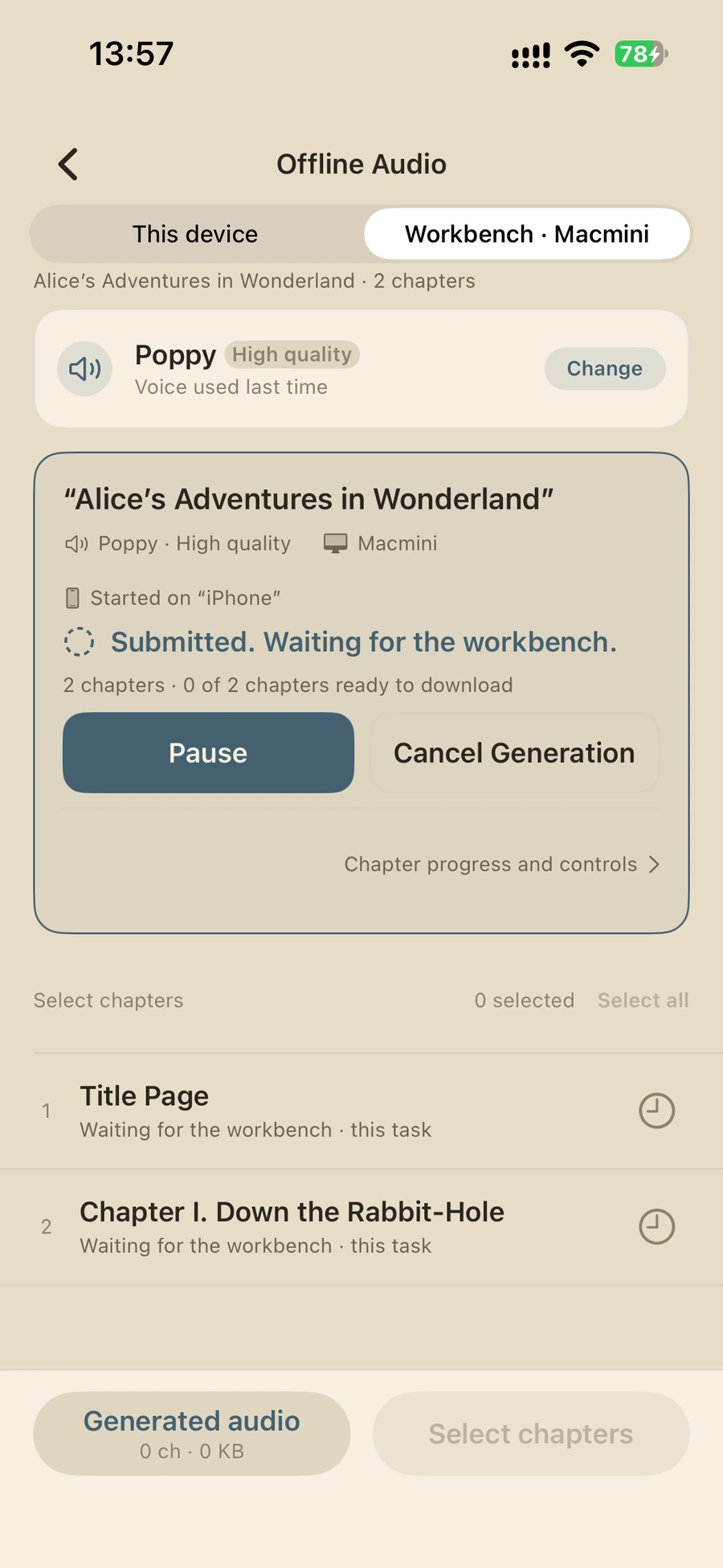
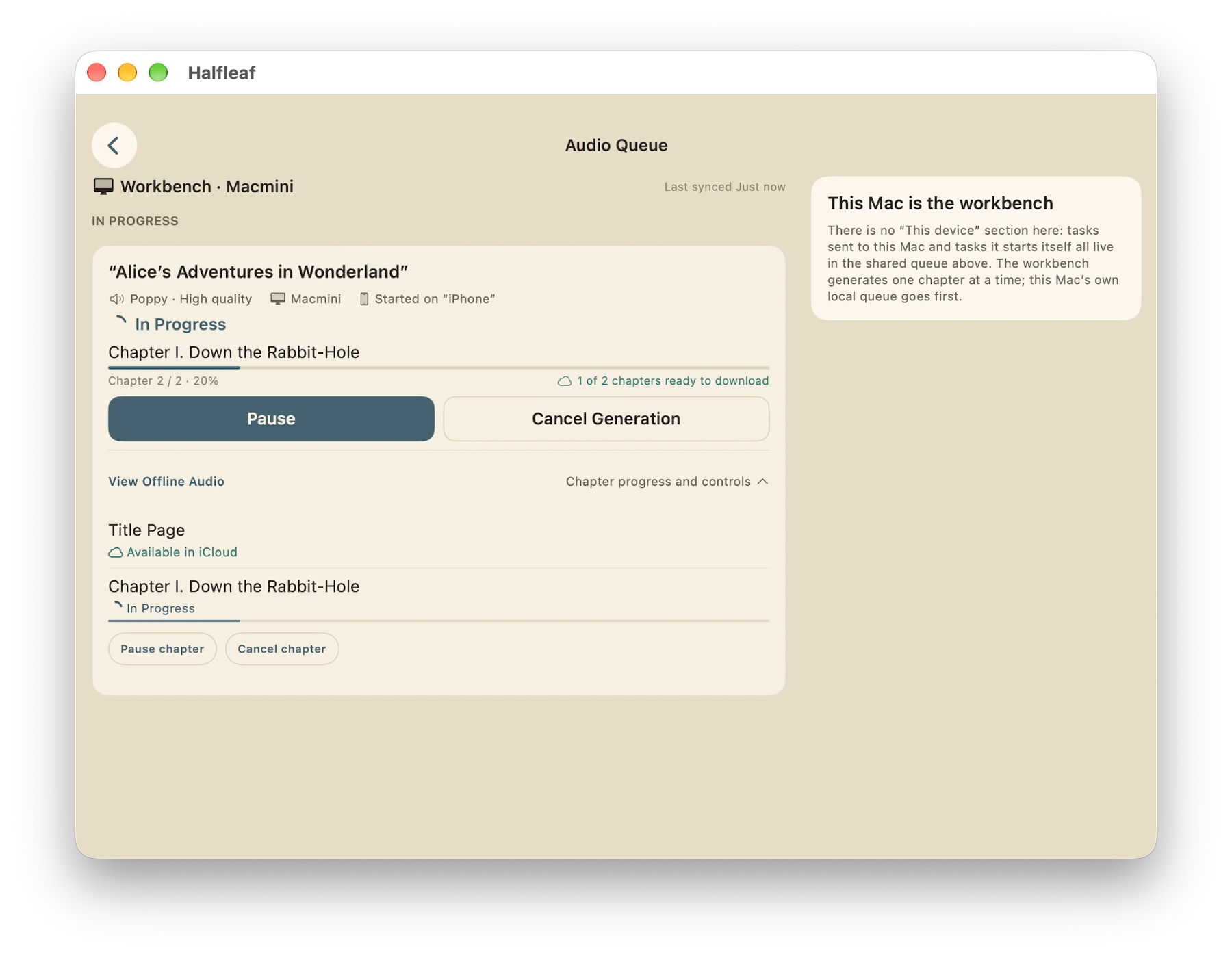 The workbench renders it
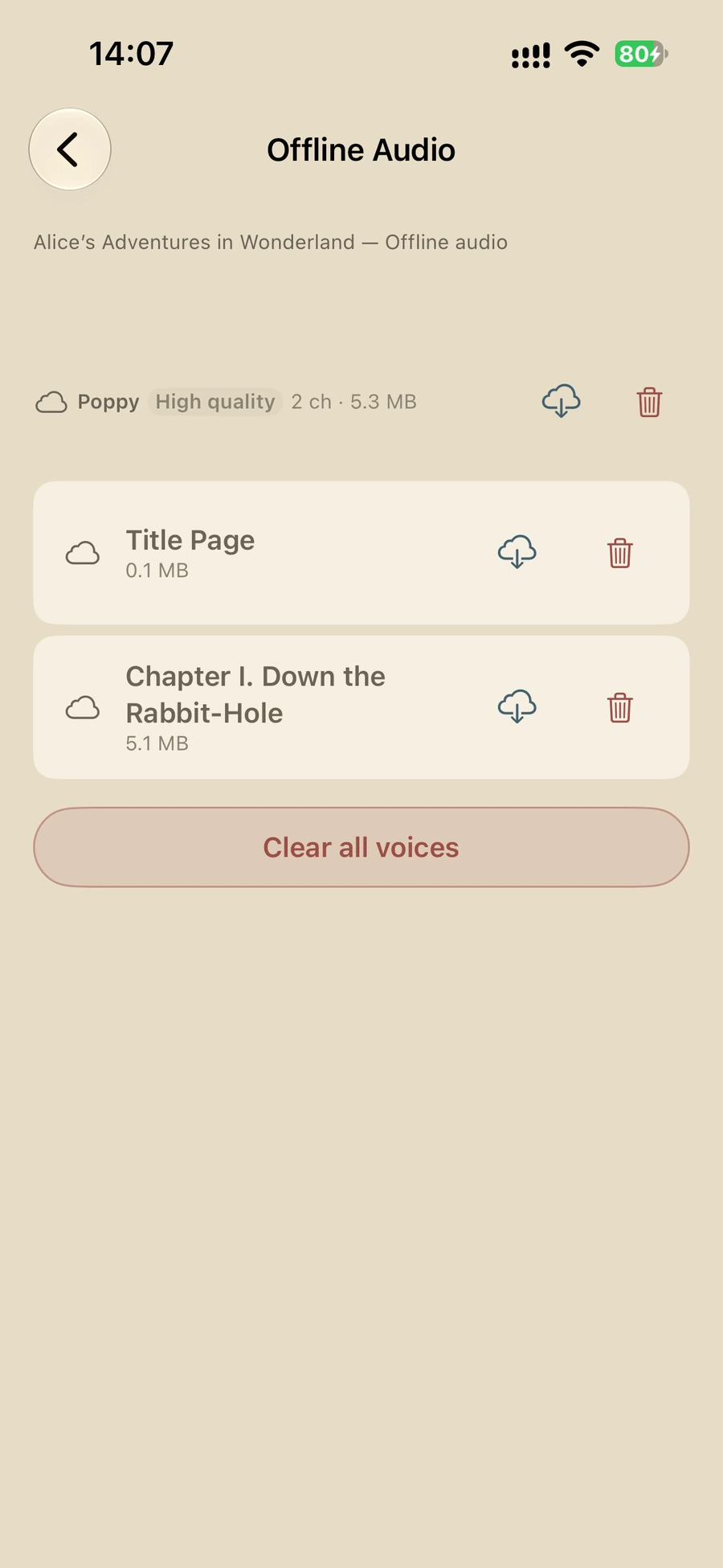
No waiting on your phone
Once the task is sent you can close the app on your phone. All rendering happens on the Mac workbench, using none of your phone’s computing resources.
Synced when it is done
Each finished chapter is uploaded to your iCloud automatically. Every other device on the same account can download it and listen offline.
Control it from anywhere
Your library shows the workbench’s progress, and you can pause or cancel from any device.
The workbench is switched on under Settings — Workbench on that Mac and works while Halfleaf stays open there; only a Mac can be the workbench. It keeps rendering offline and syncs once back online. Sending and generating need the same Apple Account with iCloud enabled, and are Pro features.
Your books belong to you
No sign-up. No account.
No registration or login required. Apple handles trials and purchases, keeping things simple and secure.
No ads. No tracking.
No ads, and we don’t collect your reading activity. Even when you email feedback, you review the contents before sending.
Local data. Your iCloud.
Speech and audio rendering happen entirely on your device, not on our servers. Cross-device sync uses your own private iCloud storage.
Read for free. Buy Pro once. No subscription
Free
Free foreverUnlimited books. Unlimited reading time.
- ✓Import, organise and read
- ✓Basic playback with synced reading and listening positions
- ✓Apple system voices, including Personal Voice with your permission
Pro
One purchase. Lifetime access.- ✓High-quality on-device voices
- ✓Offline audio generation, including the Mac workbench
- ✓Clone your own voice
- Share Pro with your family
14-day trial. No surprises.
- You start the trial manually. No automatic charges.
- Return to Free automatically when the trial ends.
- Your books, progress, voices and generated audio all stay exactly as they are.
Frequently asked questions
Are books included?
No bookstore or catalogue. Import your own EPUB, TXT, or Markdown files. Books shown in screenshots are public-domain demonstration content.
Is there a subscription?
No. Reading and Apple system voices are free. Pro is a one-time purchase. The optional 14-day trial never charges you automatically.
Can every device generate premium audio?
Not on all devices. Premium generation requires supported hardware and a voice pack download. Other devices can use other voices or simply play audio that has already been generated and synced.
Can I generate on one device and listen on another?
Yes. Once uploaded to your own iCloud, audio can be downloaded on devices using the same Apple Account, then played offline.
What is the workbench?
Set one Mac as the workbench and your other devices can send it audio tasks. The task syncs through iCloud, the workbench starts rendering on its own, and the finished audio returns through iCloud for any device to download and play offline. Only a Mac can be the workbench.
Does the workbench need to stay open?
Yes. Halfleaf needs to stay open on that Mac for it to receive and render incoming tasks. It keeps rendering while offline and syncs once it is back online. Tasks you paused manually stay paused.
What happens when the trial ends?
Nothing is lost. When the trial ends, your books, progress, cloned voices and generated audio stay on your devices. You can keep listening to existing audio; creating new Pro audio requires Pro.
Does Family Sharing share my books or recordings?
No. Family Sharing shares the Pro purchase, not your private iCloud content. Each person uses their own Apple Account.
Can I export audiobook files?
No. Generated audio can only be played in Halfleaf and synced between your devices through your own iCloud.
How do I restore Pro on another device?
Sign in to the App Store with the Apple Account used for your purchase, then open Halfleaf. If Pro does not appear, choose Restore Purchases under Settings — Halfleaf Pro. For Family Sharing, check that the purchaser has enabled purchase sharing and that you are still in the family group. If the issue persists, contact us instead of buying again.
How do I request a refund?
Apple handles in-app purchases. Visit Report a Problem to review eligible purchases and submit a request. The developer cannot approve or process App Store refunds directly. Go to Apple’s Report a Problem
What if a book will not import or open?
Halfleaf supports DRM-free EPUB, TXT and Markdown, but not PDF, MOBI, AZW or AZW3. Make sure the file has downloaded completely, then import it from the library or the system share menu. If the problem persists, include the format and error message in your feedback; you do not need to send the whole book.
What if books or audio are missing on another device?
Check that both devices use the same Apple Account, that Halfleaf is allowed to use iCloud, and that iCloud has available space. Sync requires an internet connection and may take time depending on file size and system conditions. Download chapter audio to the current device before listening offline.
How can I get in touch?
Open Settings — Email Feedback in Halfleaf, or email halfleaf@qqfly.net. Include your device model, system and app versions, what happened, and the steps that led to the problem. Redacted screenshots can help. Please do not send passwords, payment details or other sensitive information. Halfleaf is maintained by an independent developer; a reply may take a few business days. Email the developer